

Latest Version
Alexey Torgashin
IT Tools
Linux
Free
io.github.cudatext.CudaText-Qt
Report a Problem
More About CudaText
Developers and system administrators frequently run into the same frustrating roadblock: heavy, bloated code editors that take ages to launch when you just need to make a quick edit. If you are tired of waiting for your environment to spin up, the CudaText Linux text editor offers a refreshing, high-performance alternative built specifically for speed and efficiency.
What is the CudaText Linux Text Editor?
Developed by Alexey Torgashin, CudaText is an open-source, cross-platform text editor written in Object Pascal. Designed to be exceptionally lightweight, it launches in a fraction of a second—approximately 0.3 seconds on modest hardware—making it one of the most responsive tools in the IT tools category. Despite its minimal footprint, it provides a feature-rich environment that handles everything from basic configuration adjustments to complex web development tasks.
Key Features for Developers and Power Users
The CudaText Linux text editor stands out by balancing its rapid startup time with an impressive array of built-in capabilities:
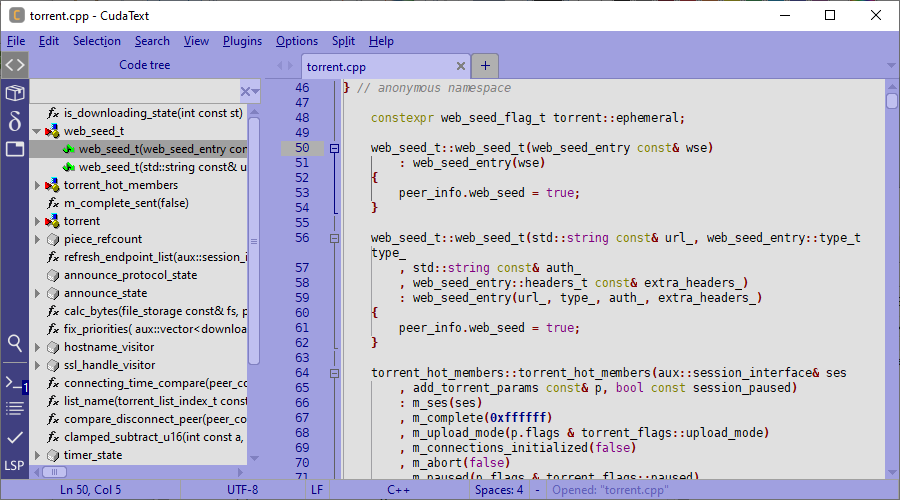
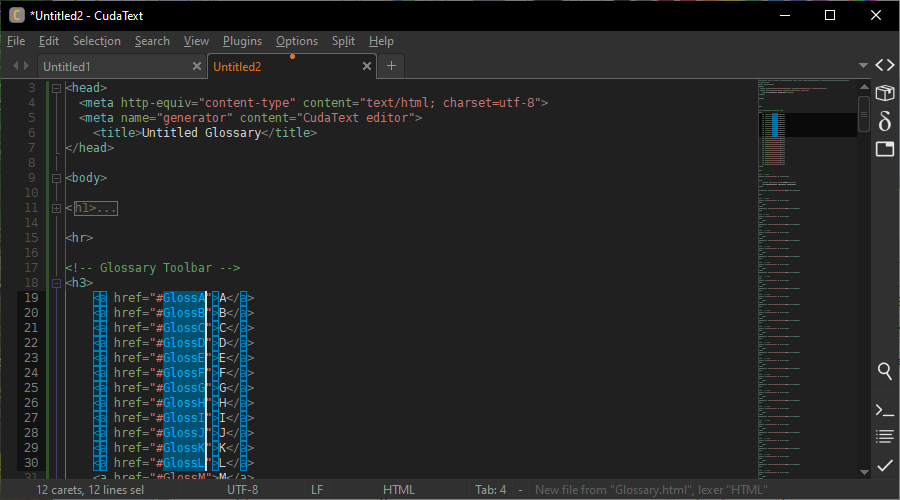
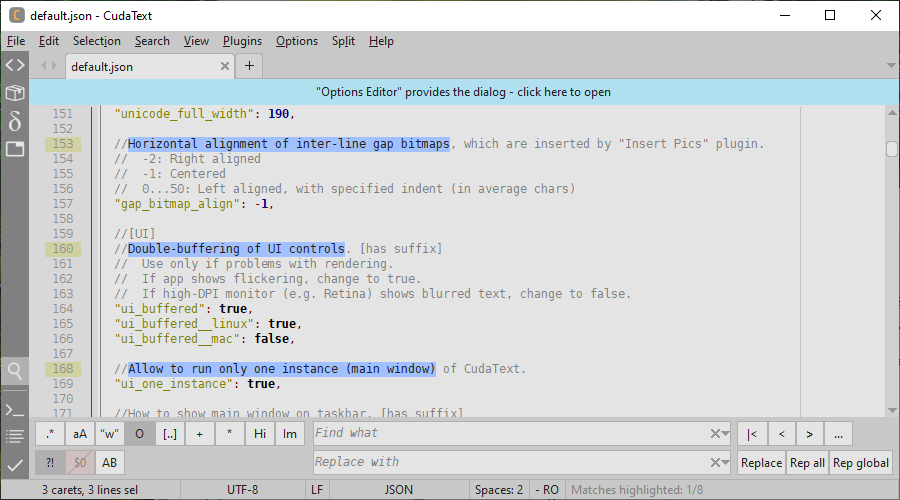
- Advanced Code Navigation: Leverage code folding, multi-carets, multi-selections, and a structured code tree to navigate complex functions and classes effortlessly.
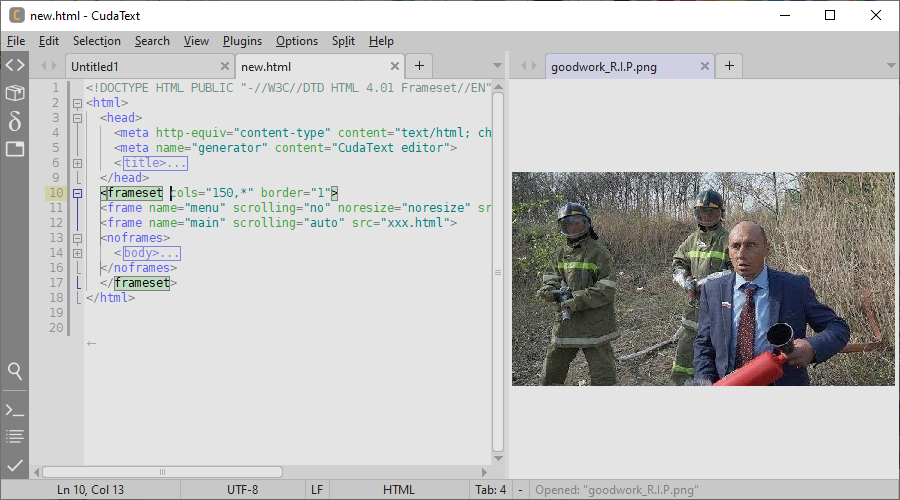
- Flexible UI Layouts: Work your way with a tabbed interface, split views supporting up to 6 group tab layouts, a minimap, and a fuzzy-matching command palette.
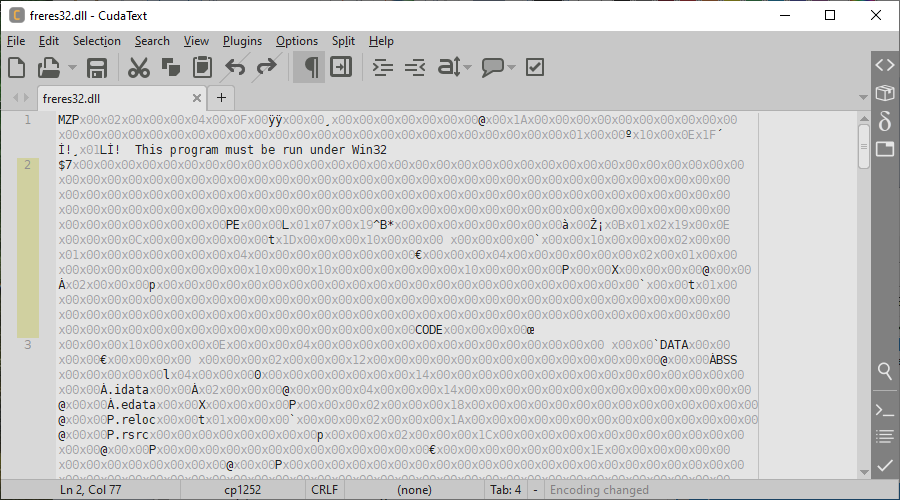
- Industrial-Grade File Handling: Open and view massive binary or hexadecimal files of virtually unlimited size, including logs up to 10 GB, without crashing your system.
- Deep Customization: Configure your entire workspace through JSON-formatted configuration files and customize hotkeys to match your personal workflow.
Optimized for HTML and CSS Design
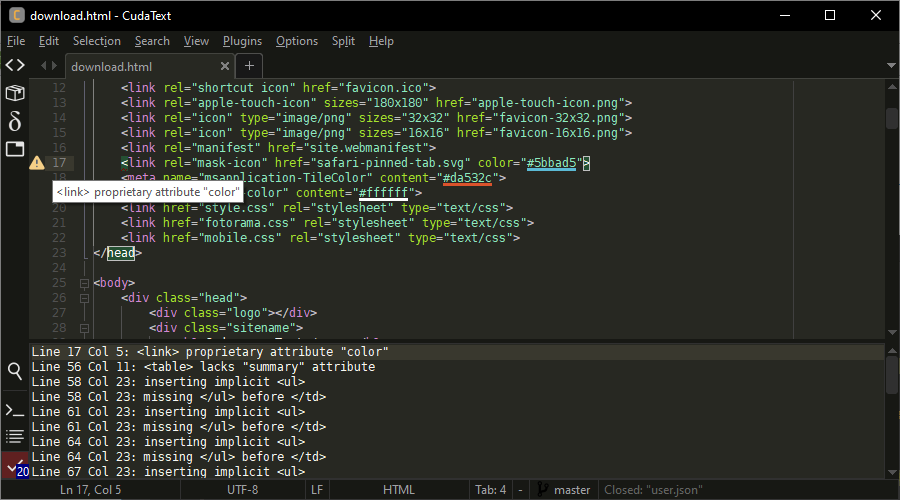
For front-end developers, this editor serves as a highly capable workspace. It provides smart auto-completion for HTML and CSS, easy tag completion using the Tab key, and automatic underlining of HTML color codes. You can even preview images (including JPEG, PNG, GIF, BMP, and ICO formats) directly inside the editing area or hover over tags to view helpful tooltips.
Expandable Ecosystem via Python Add-ons
If the core features are not enough, the CudaText Linux text editor can be extensively customized using its built-in Addons Manager. Users can easily integrate linters via CudaLint, install a dedicated FTP panel, run formatters for major web languages, set up a project manager, or activate a macro manager to automate repetitive keystrokes.
Is It Right for You?
Whether you need a reliable tool to parse gigabyte-scale server logs or a lightweight environment for daily coding, this application offers the perfect balance of speed and extensibility without draining system resources. To explore this powerful tool further or to integrate it into your Linux setup, visit the official Flathub store page to get started.
Rate the App
User Reviews

Popular Apps









Editor's Choice